Computer Upgrades

Computer Upgrades & Servicing

Is your computer running slowly? Are the fans making an annoying noise? These are just a few of the things we can help with. We can make it run like new again.

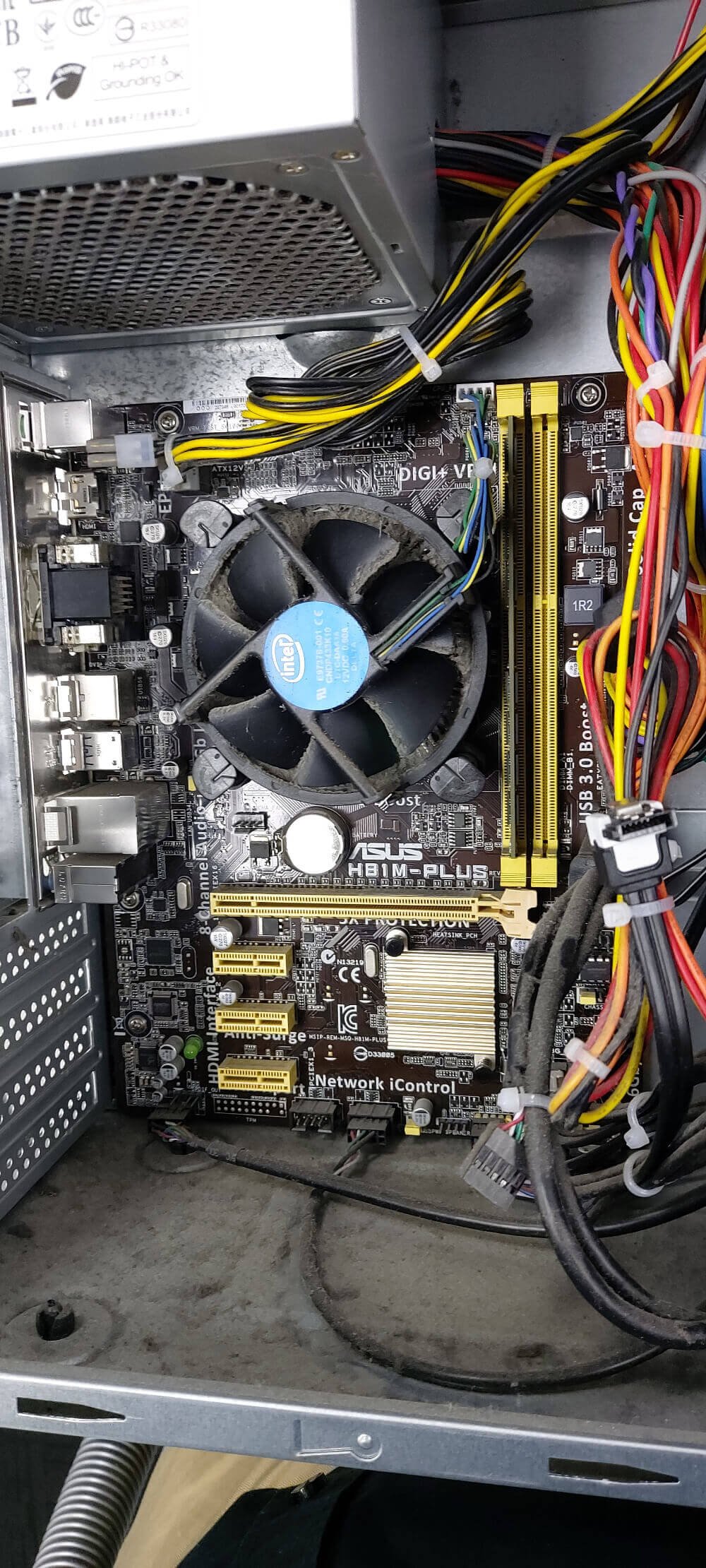
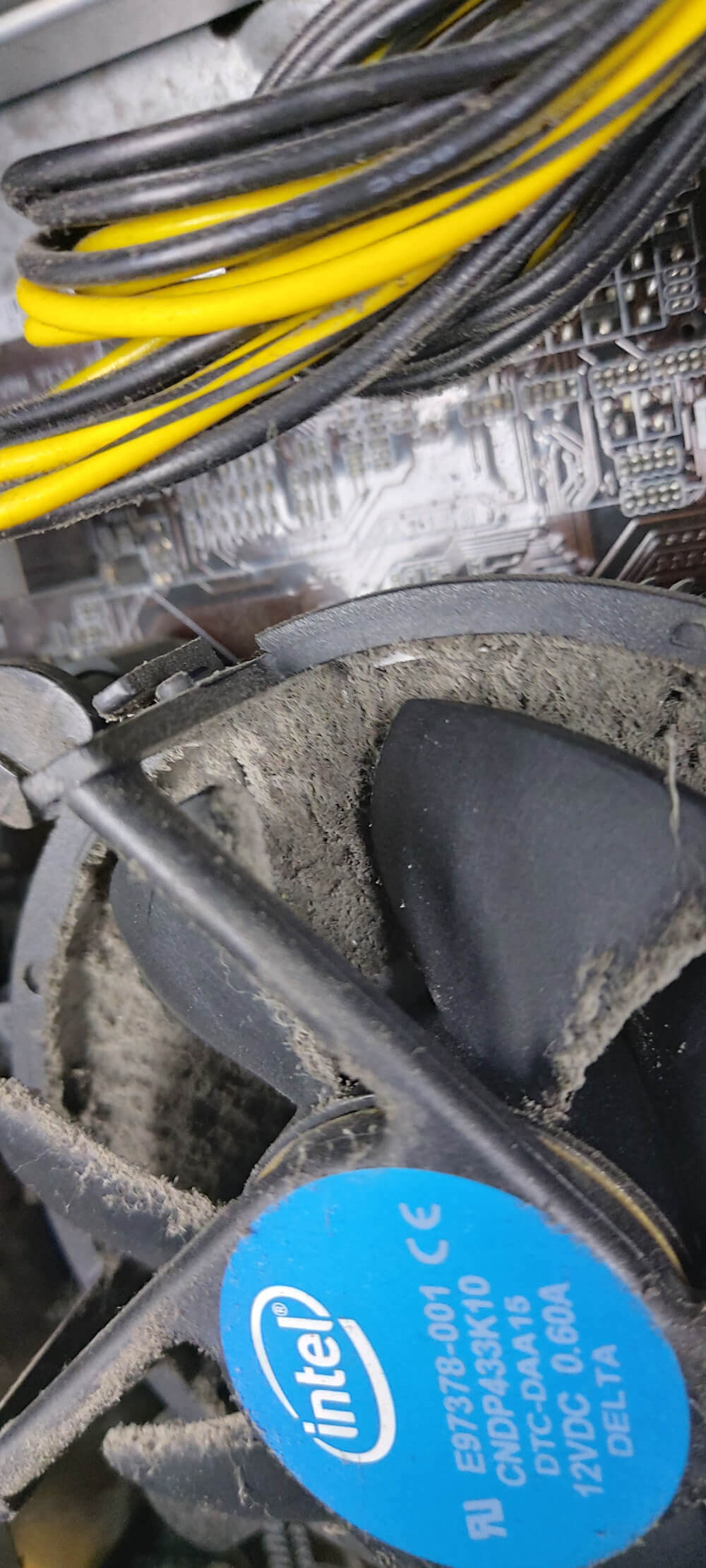
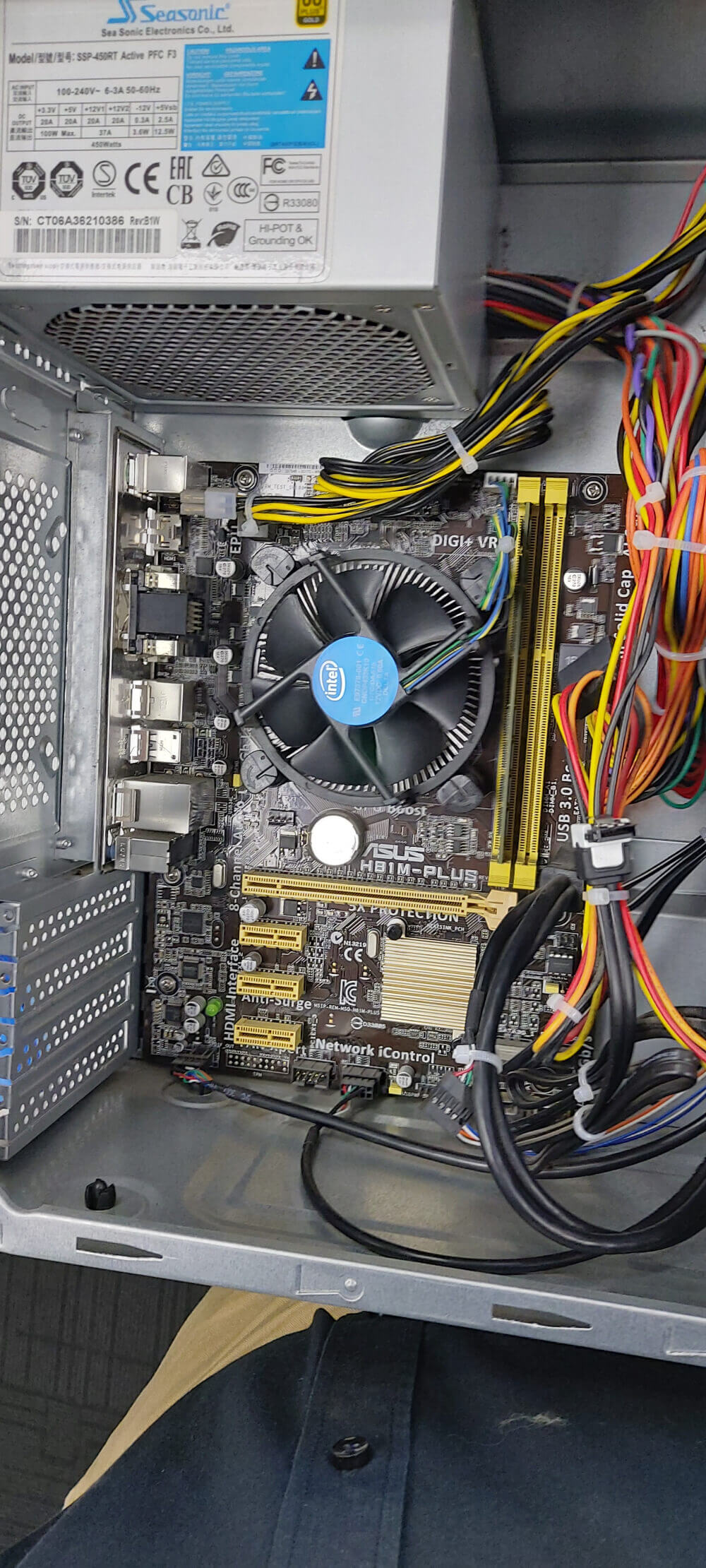
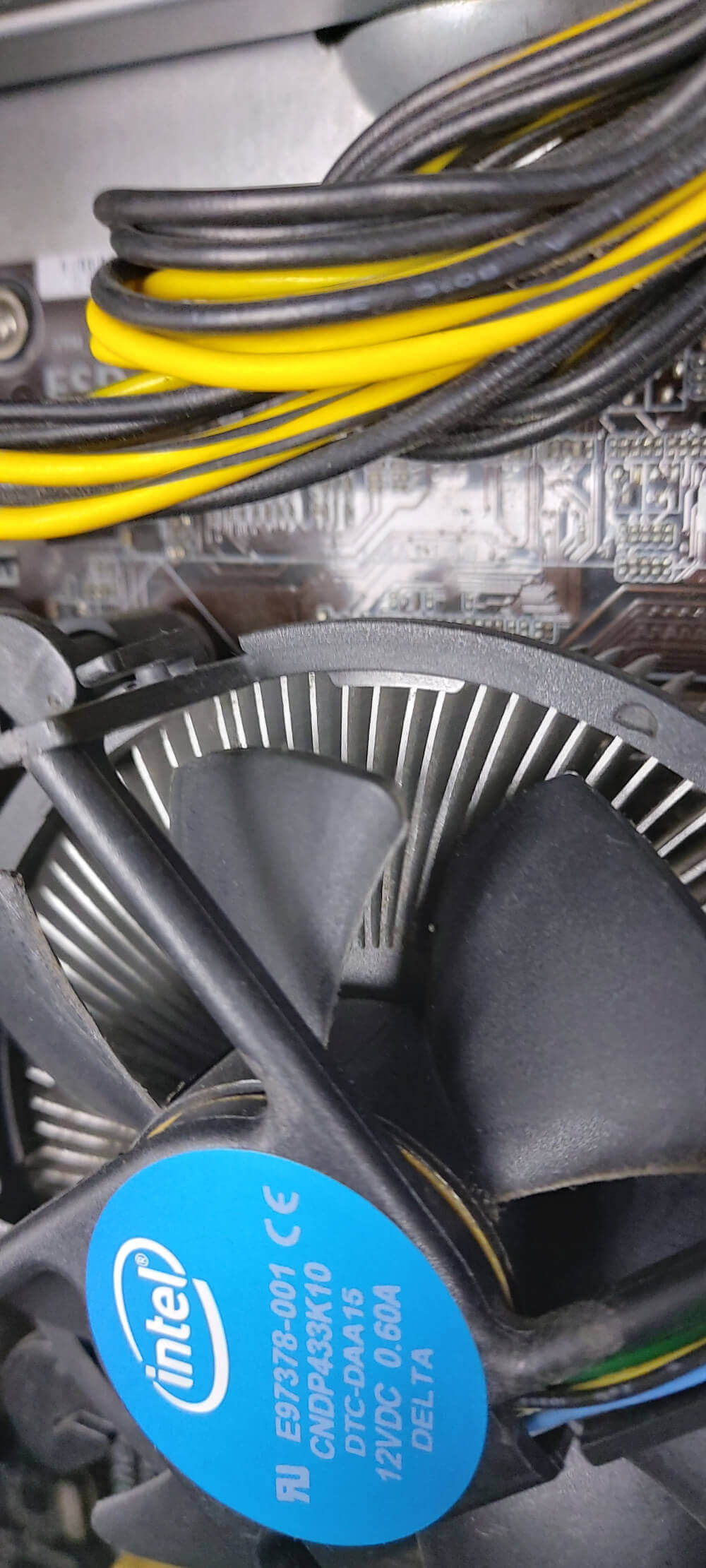
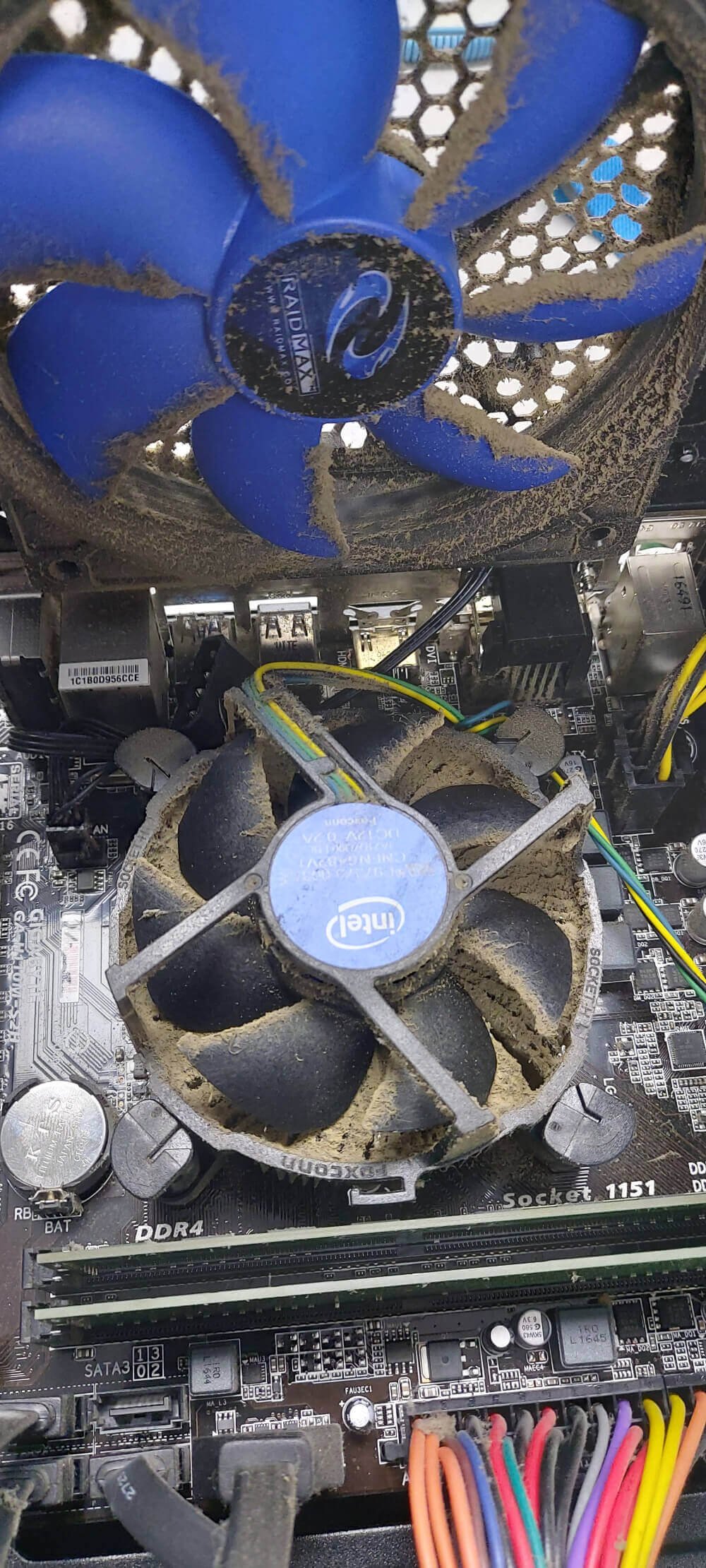
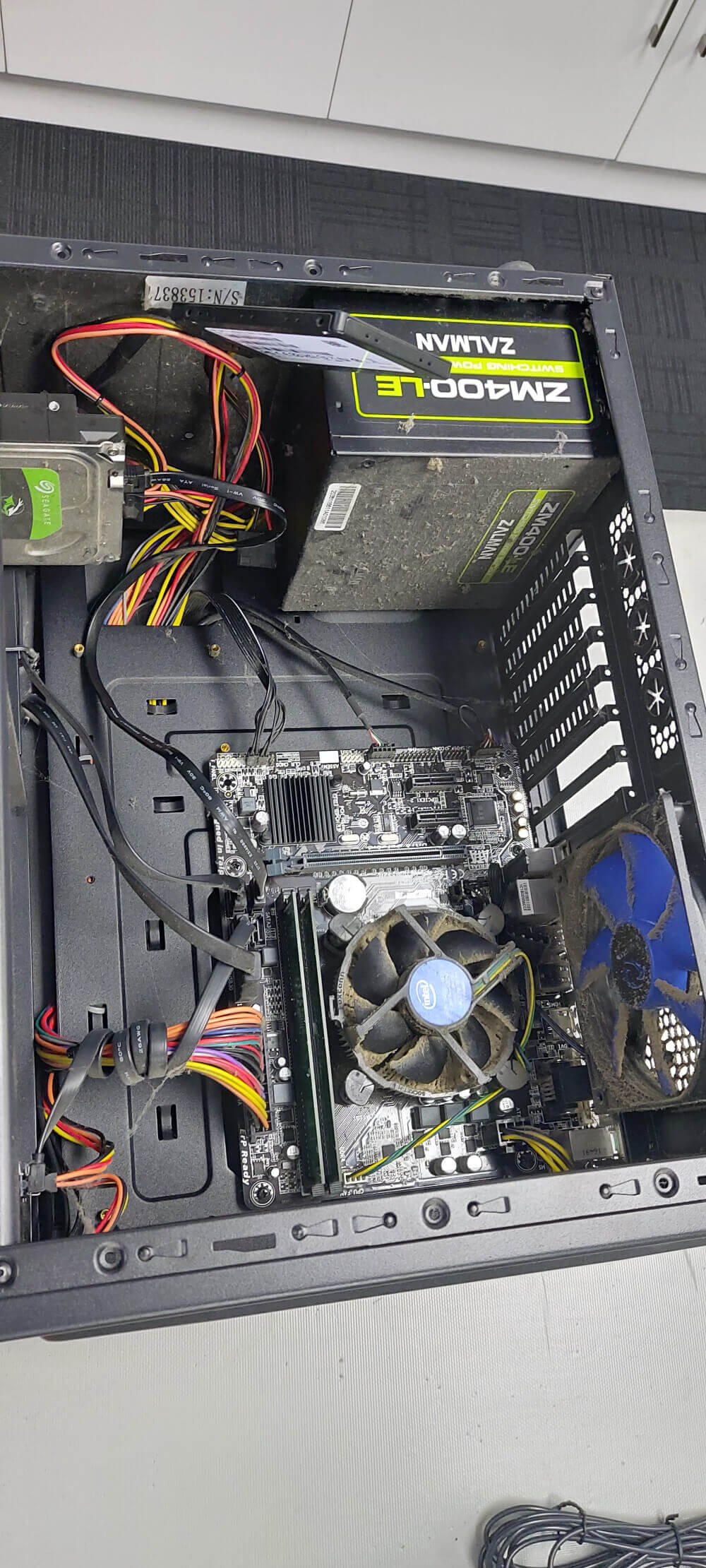
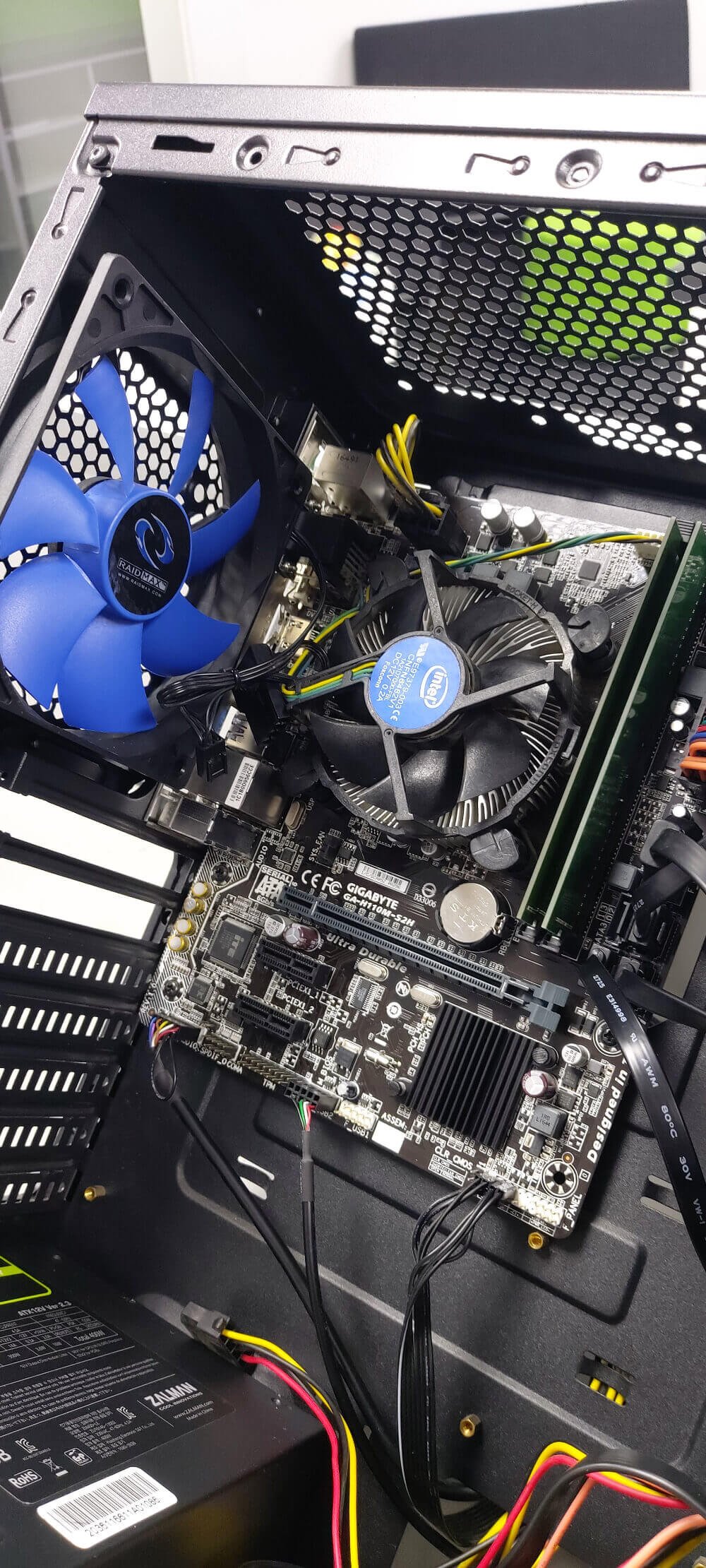
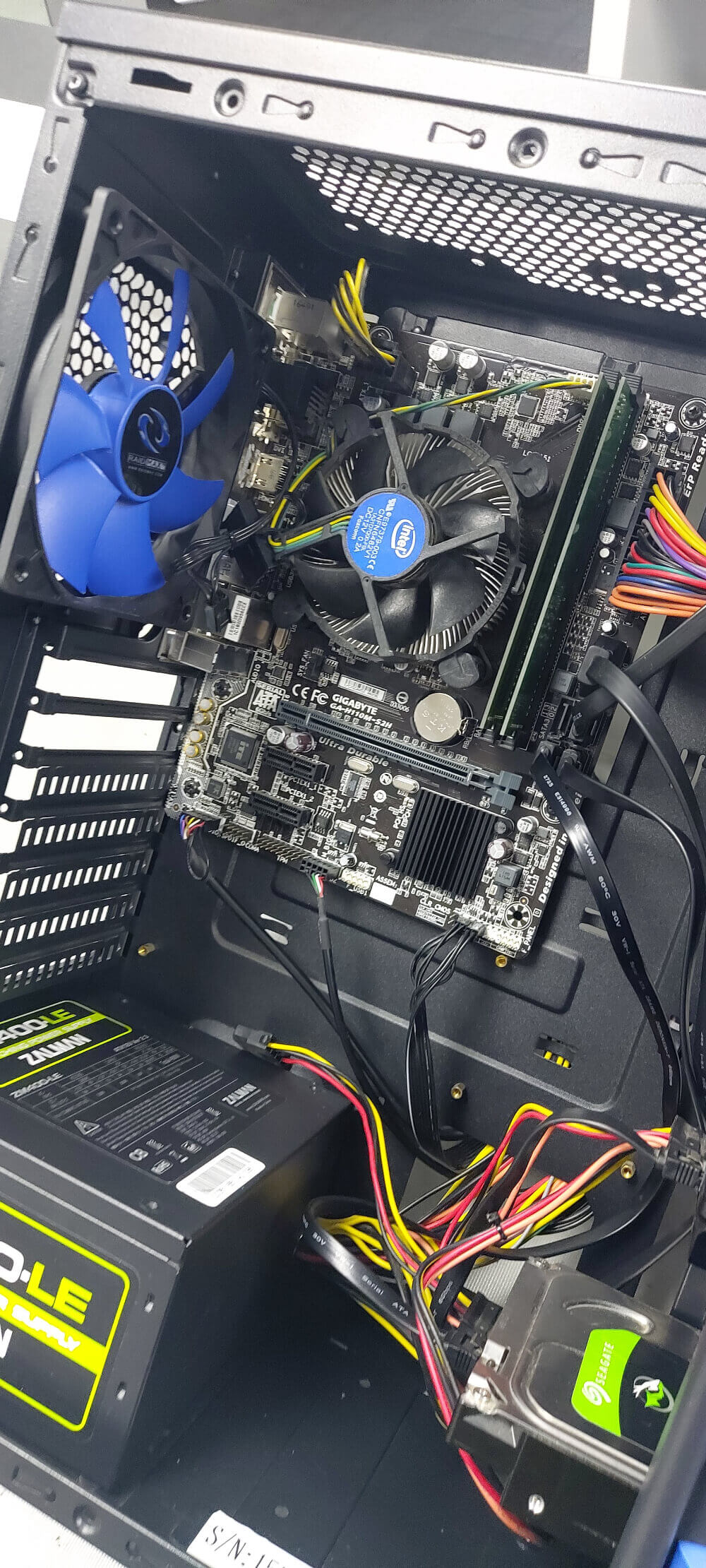
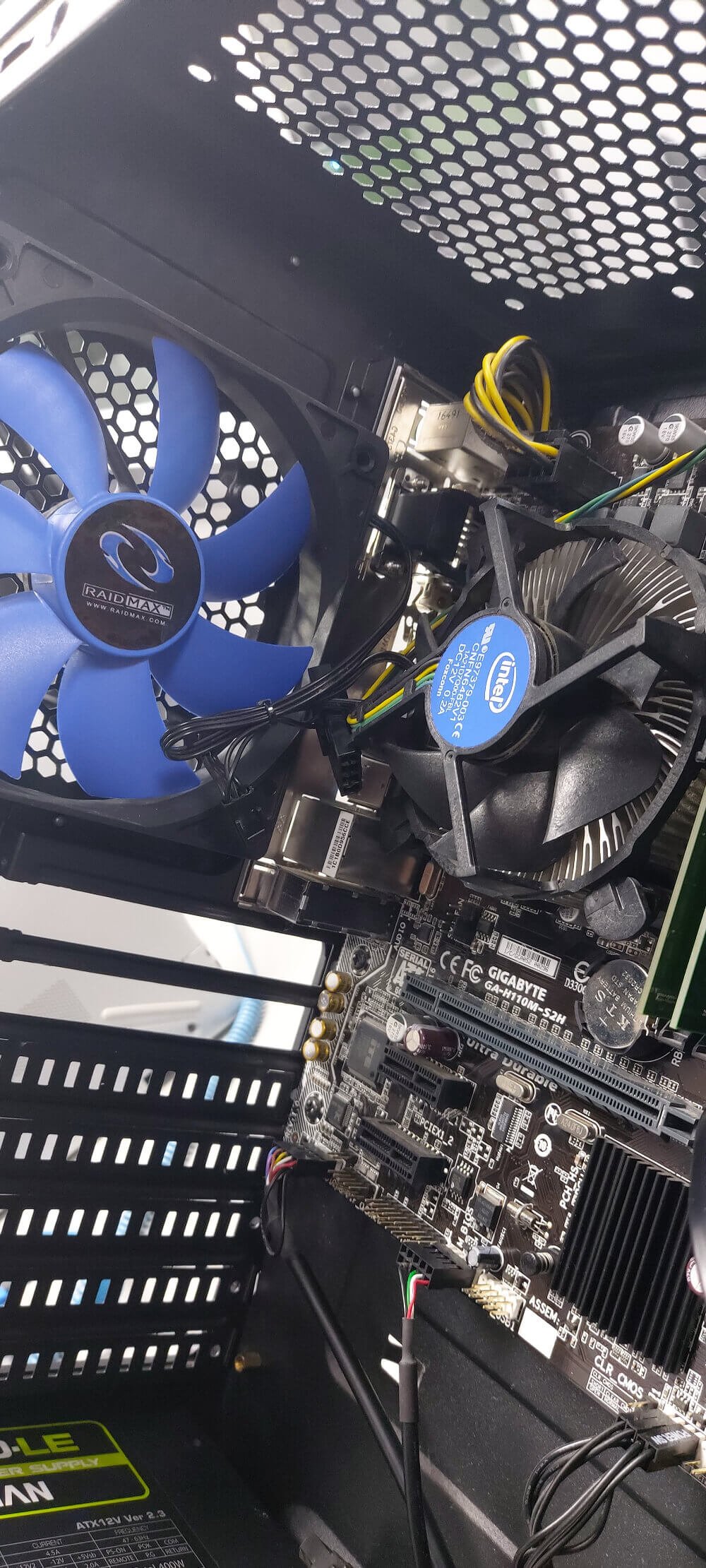
Just like your car, your computers run best with regular servicing. Our basic service includes updating your operating system, updating your software, cleaning the dust from your fans, and checking for any other issues that may need to be addressed.

Beyond basic maintenance, our expert technicians specialize in hardware upgrades, performance tuning, and deep diagnostics to prevent sudden system crashes. Whether you need a faster SSD installation, RAM expansion, virus removal, or routine diagnostic checks, we ensure your device operates at maximum efficiency.

Keep your computer happy and get it serviced at TVC!
Computer Upgrades & Servicing

What do we provide in Computer Upgrades & Servicing?

Frequently Asked Questions!

Regular maintenance and professional technical support keep your hardware healthy, prevent costly downtime, protect against zero-day security threats, and ensure your devices perform at maximum efficiency every day.
What is included in a standard computer upgrade and servicing session?

Our comprehensive computer upgrades & servicing covers a thorough internal dust clean, thermal paste replacement, operating system optimization, startup program cleanup, and hardware health checks. If you are opting for hardware upgrades, we also expertly install and test new components like solid-state drives (SSDs) or RAM modules to ensure peak performance.

How do I know if my PC or laptop needs an upgrade or just a service?

If your computer takes an unusually long time to boot up, freezes during multitasking, or runs hot and loud, it usually benefits from a combination of both. A standard service cleans out software clutter and physical dust, while hardware upgrades (such as switching from an older HDD to a fast SSD or adding more RAM) provide the raw power boost needed for modern applications.

Will I lose my personal files and data during a computer upgrade?

No. Performing standard servicing, memory upgrades, or adding a secondary storage drive will not touch your personal files. However, as a best practice for any major system modification or OS migration, our team always recommends backing up critical data beforehand—a service our Hamilton data recovery team can also assist with if needed.

Can you upgrade custom-built desktop PCs as well as branded laptops?

Yes, absolutely. Our technicians handle hardware and software upgrades for all major desktop and laptop brands (including Windows PCs, custom gaming rigs, and Apple MacBooks) right here in Hamilton. We evaluate your system’s motherboard compatibility to recommend the most cost-effective and impactful upgrades available.

How long does a typical computer service or hardware upgrade take?

Most standard computer servicing and component installations (like RAM or SSD swaps) are completed within 24 to 48 hours, depending on current workshop queue volumes. We strive for fast turnaround times so you are never without your device for long. Apart, it also depends on the availability of the hardware supplies - again no more than three business days.

Do I need to make an appointment before bringing my device in for an upgrade?

No appointment is necessary! You can simply drop off your desktop PC or laptop at our Chartwell, Hamilton workshop or Putaruru workshop during regular business hours. Our team will run an initial inspection and discuss the best upgrade options tailored to your workflow and budget.